We make Oryn, so we list it first and say plainly where other tools beat it. Oryn is the pick when you want a whole game with its own art, sound and a real Godot project, without buying a single asset pack. Beyond that, the best AI game maker depends on what you want at the end: Rosebud for a quick browser game, Astrocade or Roblox for an audience, Star or Chatforce for multiplayer, GDevelop for free, and Summer Engine or SEELE for a desktop or Unity project.
We didn't run hands-on tests. Everything below comes from each tool's own pricing pages, terms and docs as they read on November 1, 2026, plus press coverage where a company hasn't published the details, and we say which is which. Where another tool does something better than Oryn, we say so.
The AI is rarely what decides it. What separates these tools is what you get out (a hosted link or a project file), who owns it, and whether your plan lets you sell it.
What is an AI game maker?
An AI game maker turns a written description into a game you can play. A language model writes the code, most tools also generate art and sound, the result runs in your browser, and you ask for changes in chat. The differences are underneath: some tools host the game on their own web runtime, some write a project for a real engine such as Godot or Unity, and some are assistants inside an engine you already use.
The tools here fall into five groups:
- Prompt-to-playable platforms host the game and give you a link: Rosebud, Astrocade, Google Playground, Star, Chatforce, PlayDrop and Makko.
- Engine-backed builders write a project for a real engine: Summer Engine and Oryn (Godot), SEELE (Unity).
- AI inside an engine or platform helps you build in a tool you already use: GDevelop, Roblox, Unity AI and Bezi.
- General app builders that also make games: Replit Agent.
- Asset tools make art, audio and models for any engine, not whole games: Ludo.ai.
The first group gets you to a shareable link fastest. The second leaves you with files that still work after you cancel. If you might ever sell the game outside the tool, start in the second group or read the export terms before you put hours in.
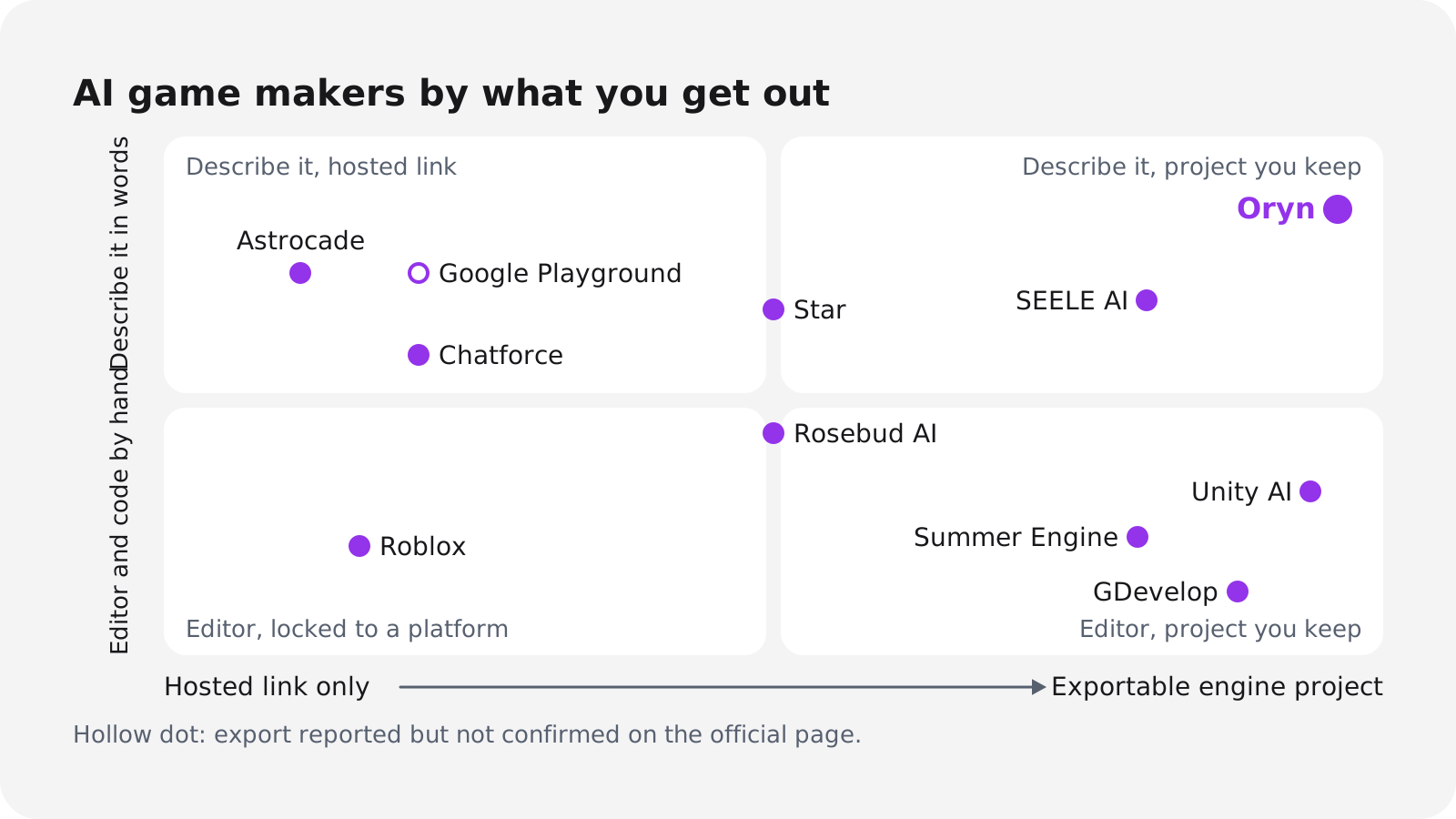
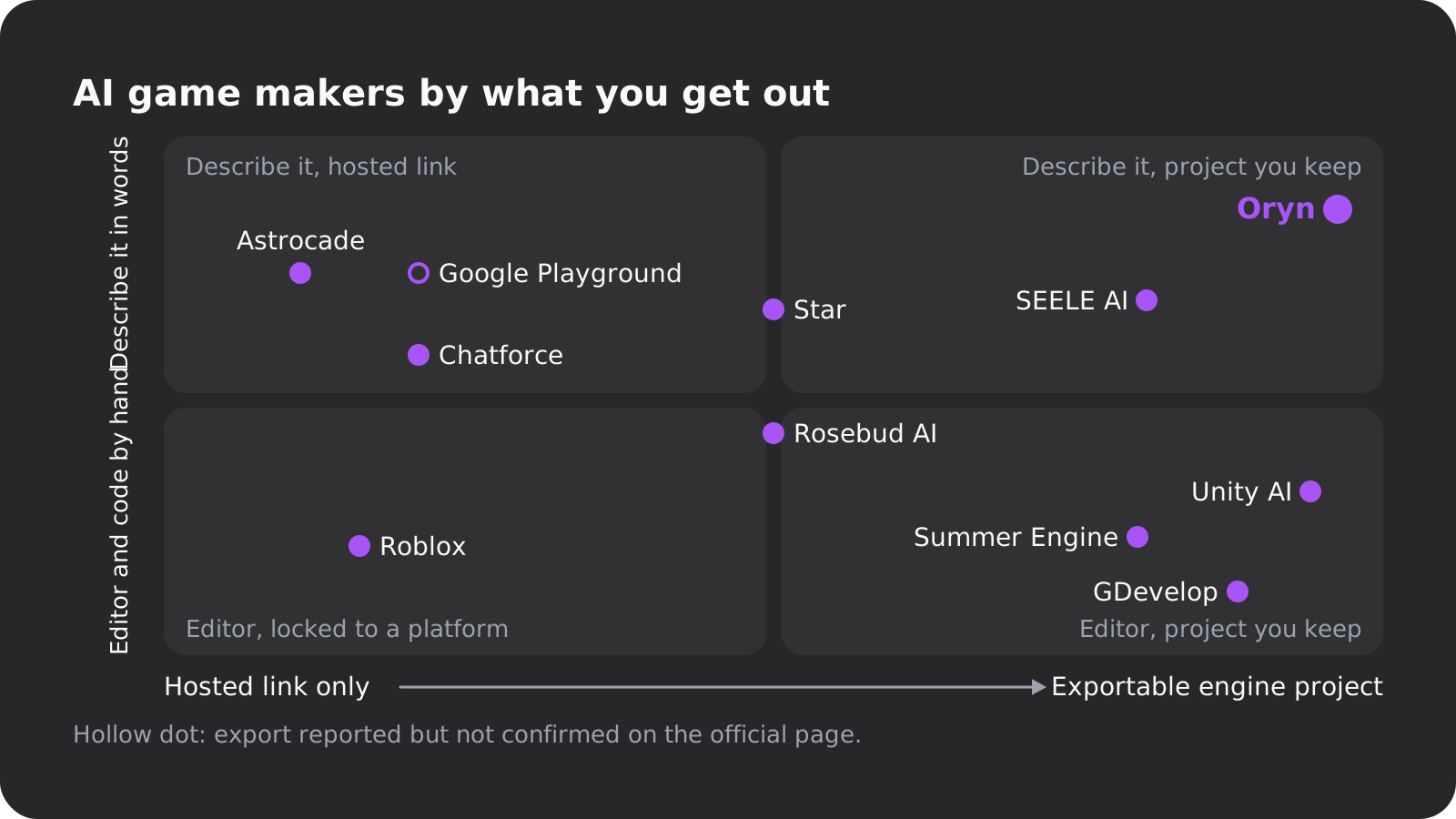
The best AI game maker for each goal
Each pick names the goal it wins, what it does better than the others, and the catch. Prices are per month in US dollars as of November 1, 2026.
Best for a complete game with its own art and sound: Oryn
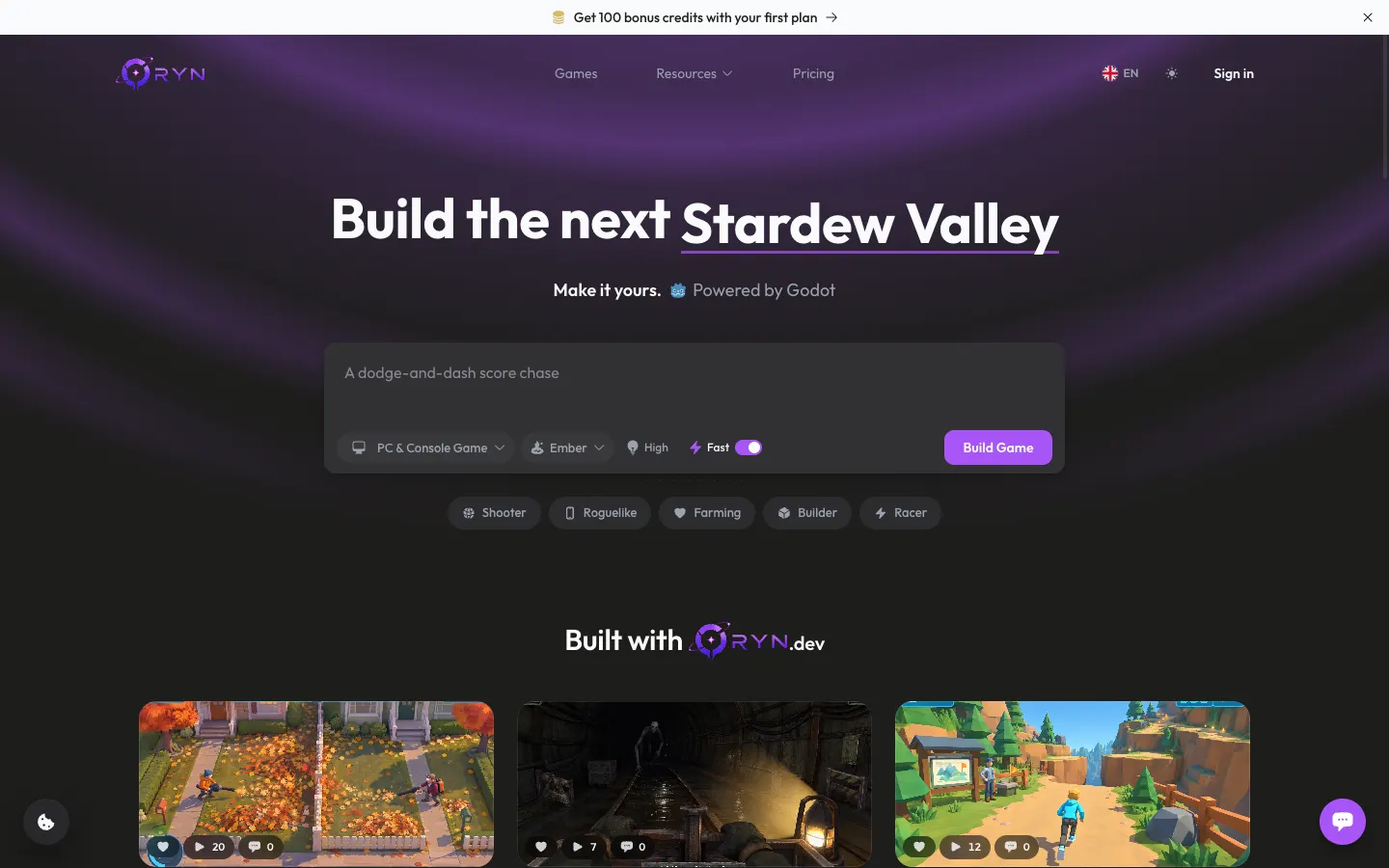
 Orynoryn.dev
This is our product, so weigh this section with that in mind. Oryn is for people who don't write code and want a real Godot project at the end, made in the browser with nothing to install.
What sets it apart is that the assets come with the game. You don't buy an asset pack, hunt for sprites or license music:
- Art made for your game: planning draws reference images, a cover and a logo, and the build generates the pictures, sprites and textures your mockup calls for.
- A soundtrack of its own: every new game gets a generated soundtrack.
- A large free library: tens of thousands of 3D models, sprites, materials, skies and sounds from free libraries such as Kenney, KayKit, Quaternius, Poly Haven and ambientCG, filtered to your game's art style.
- New 3D models on request: in a later change, describe a prop and Oryn builds a model for it.
All of that is part of the plan, with no separate asset store bill.
You describe the game, with reference images if you have them. Oryn asks planning questions one at a time, including which art style to use, then writes a game design document covering the idea, gameplay loop, progression, look and sound, and scope. Nothing is built until you approve it.
The build then writes a Godot 4 project (scenes, scripts, input maps, UI and assets) and a web build you play in the studio. The build button says about 30 minutes, so this isn't the fastest route to a first playable.
After that you change the game in chat, and every working version is kept so you can restore one. You can publish it free to the Oryn games shelf, where people play it in the browser, or export it: the editable Godot project as a .zip, Windows, macOS and Linux builds, a signed Android APK and AAB, an Xcode project for iOS, or Steam depots with upload scripts.
Export isn't tied to a plan. The store accounts stay yours, so you do the uploads, and iOS signing needs an Apple Developer account and a Mac (export guide).
Where others beat it: Chatforce says it reaches a first playable faster, Summer Engine's free tier lasts longer, Star and Chatforce host multiplayer, and Astrocade and Roblox bring an audience.
Pros
- Art, a soundtrack and a large asset library included, so there are no asset packs to buy
- A design document you approve before anything is built
- A Godot project that opens in Godot, with no proprietary format or runtime
- Exports for desktop, Android, an iOS Xcode project and Steam, on any plan
- Every working version kept, with restore
- Runs in the browser, and private builds open on your phone
Cons
- The free plan builds one game; changing it afterwards needs a paid plan
- Paid plans are priced in euros and start above the $15 to $20 most tools charge
- A build takes about 30 minutes
- 3D games get simpler graphics in Safari and on phones; Chrome on a computer looks best
- You must be 18 or older, and store uploads are your job
Best browser workflow for quick prototypes: Rosebud AI
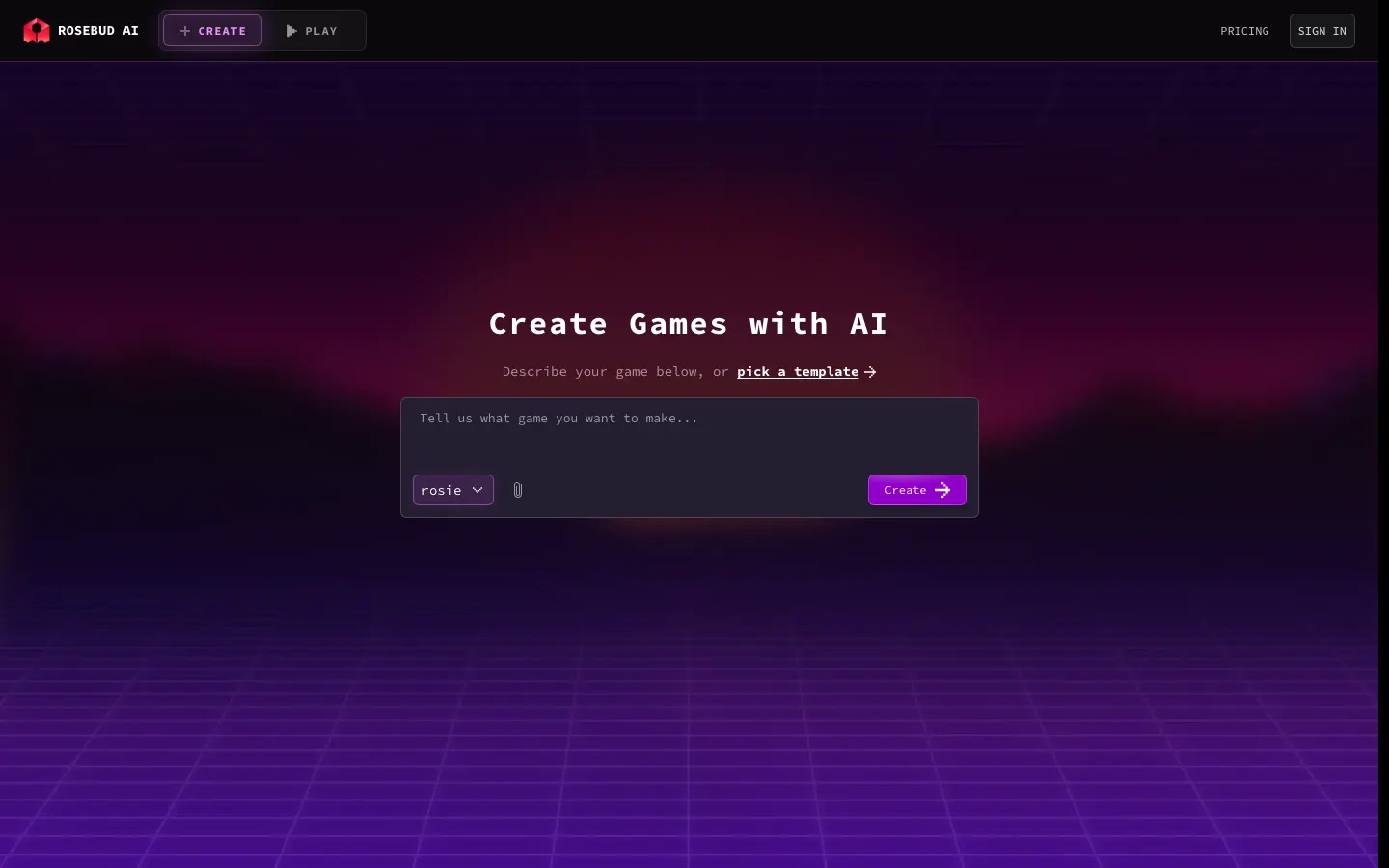
 Rosebud AIrosebud.ai
Rosebud builds JavaScript games on Three.js that run in the browser, in 2D, 3D or voxel style, and publishes them to a shareable link with free hosting (Rosebud). Rosebud says more than 2.5 million games have been made on it, and even Summer Engine's roundup, which ranks Summer first, calls Rosebud the pick for a five-minute browser prototype (Summer Engine).
The plans (Rosebud pricing): a free Newbie plan with 8,000 credits a week, Indie Dev at $15 (view and edit the code in the browser, private projects), 10x Dev at $30 (commercial rights, no Rosebud branding), Pro at $50 (code download and a Windows build for Steam) and Scale at $100. Unused monthly credits roll over once, and Rosebud takes no commission on earnings. One rival roundup says Rosebud has no Steam export; the pricing page says the $50 plan includes one.
The catch is in the terms of service, revised August 2, 2025. Rosebud owns the content, code and artwork generated from your prompts, free-plan games are for personal, non-commercial use only, and Rosebud may license or sell anonymized data with no opt-out.
Best for reaching a big audience: Astrocade
 Astrocadeastrocade.com
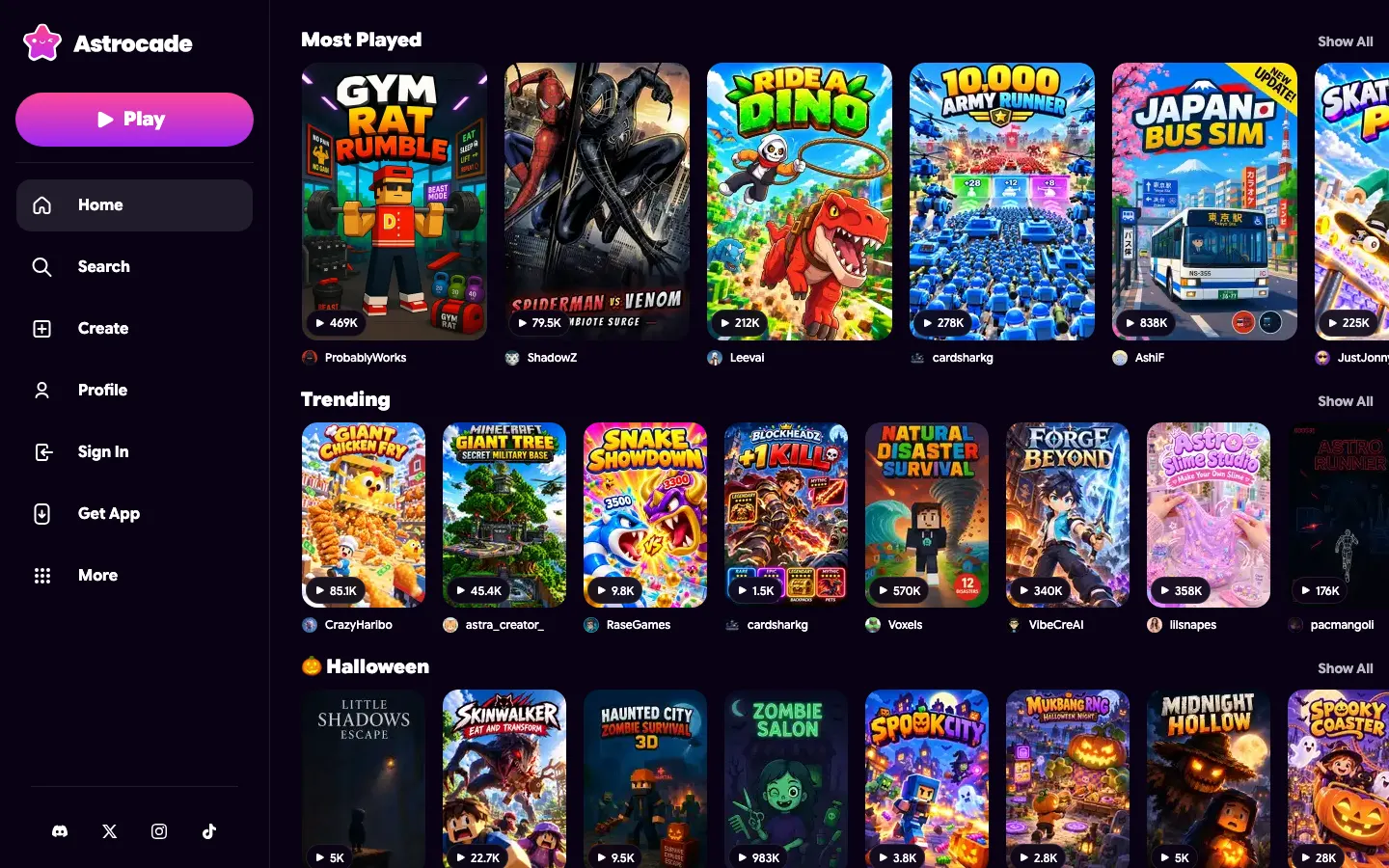
Astrocade is a social platform for playing and making AI games in the browser, with built-in analytics and creator earnings (Astrocade). It raised $56 million in May 2026 in rounds led by Sequoia and Sea (Astrocade). Its audience figures are the largest any tool built only for AI games has published, though they don't agree: the funding post claimed more than 20 million engaged users since launch, while an October 2026 report citing GamesBeat put monthly users at 10 million, with about 220 million sessions a month and over 100,000 published projects (Mezha).
If what you want is plays, that matters more than any feature. The same report says games appear as "playables" in a TikTok-style feed and creators are paid by launches.
The catch: Astrocade publishes no prices, and its pages say nothing about code export or ownership. The report also notes that popular projects include Minecraft and Roblox clones and copyrighted characters. Use it to find players, not to build something you plan to take elsewhere.
Best for Roblox creators: Roblox Assistant, Build and Cube
 Roblox Assistantcreate.roblox.com
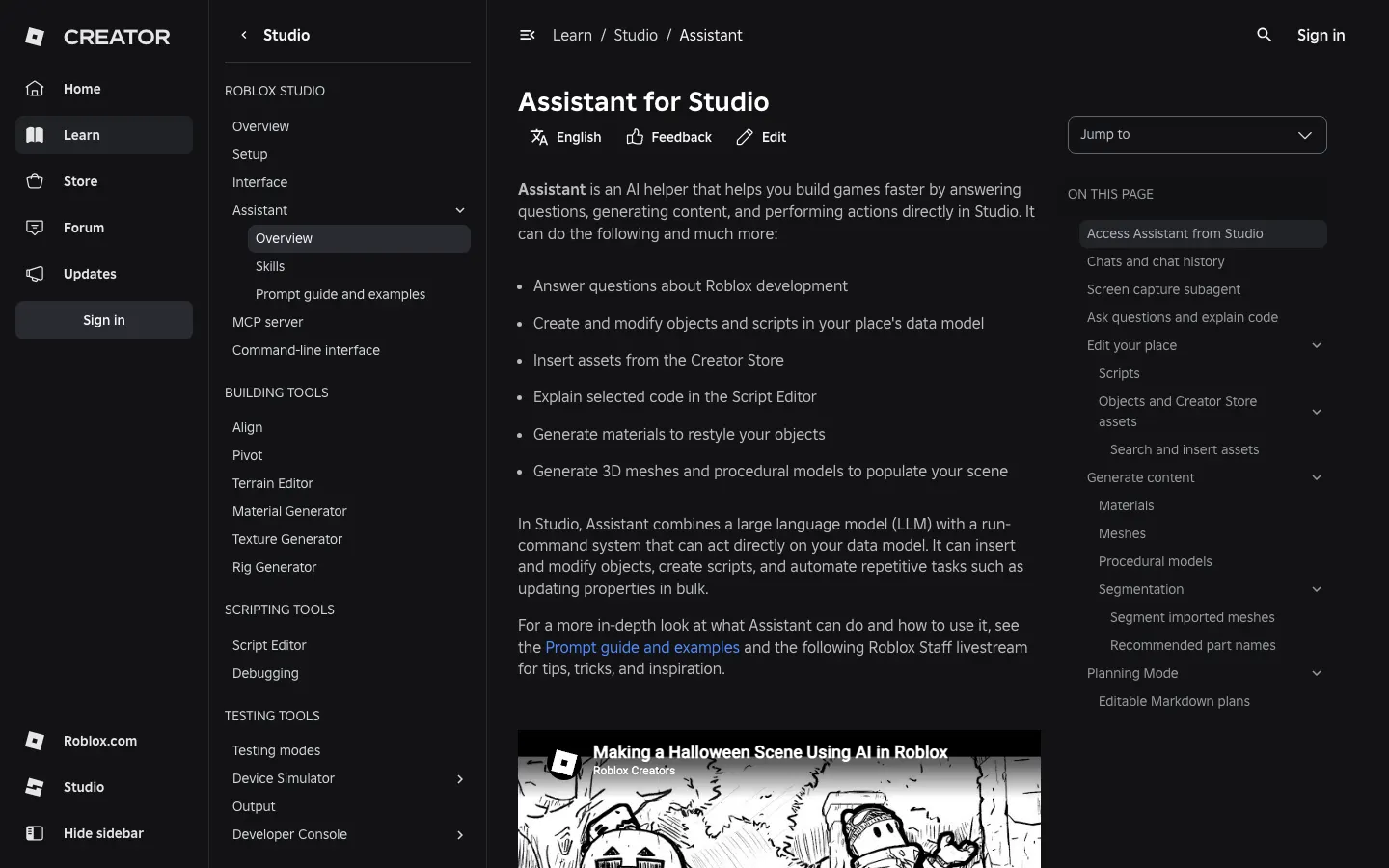
If your players are on Roblox, use Roblox's own tools, because nothing else publishes there. Roblox Assistant in Studio writes and edits scripts, builds objects, inserts Creator Store assets and generates textured meshes, within limits of 50 procedural models per 24 hours and a 10,000-triangle default mesh cap (Roblox docs). Its Planning Mode writes an editable plan that runs only when you click Build, the same plan-first idea Oryn uses.
Roblox Build, announced July 16, 2026, brings prompt-to-game creation to the Roblox phone app: a text prompt makes what Roblox calls a "basic game" that you then improve (Roblox). It has been in public alpha in New Zealand since July 28, with more regions to follow, and the base level is free. Cube, Roblox's 3D model, turns prompts into game-ready objects such as drivable vehicles.
The catch is the obvious one: games publish only inside Roblox (Ludo's comparison). You get its audience and its review rules, and no project you can ship anywhere else.
Best free option: GDevelop, or Google Playground in the US
 GDevelopgdevelop.io
GDevelop is the free pick if you want to keep what you make. The engine is open source under the MIT licence, makes 2D and 3D games without code, and has an AI that can start a game, build a feature or answer questions (GDevelop pricing). The free plan publishes to the web (unlimited on gd.games), Android and desktop with daily limits, and includes 40 AI credits a month, 3 cloud projects and 2 days of version history.
Forty credits won't build a game on their own, so expect to do part of the work in the no-code editor. That's the trade: less AI, more ownership. Paid plans raise the allowance to 200 to 3,000 credits a week and add iOS publishing on Gold and Pro, while Steam and app-store publishing is by request. Their prices didn't load on the pricing page when we checked, so we don't quote them.
Google Playground, launched October 7, 2026, is free and lets you make games from prompts in desktop and phone browsers, but only in the US and only if you're 18 or older (Gizmodo). Creation is rolling out gradually, Google One AI subscribers get early access and higher weekly limits (amounts not published), and Gizmodo found many of the games felt like simple mini-games. A third-party write-up of Playground's help pages says you can download a game as a ZIP of HTML, JavaScript and CSS (eesel.ai). We couldn't confirm that, because the site sits behind a Google sign-in.
Best for multiplayer: Star and Chatforce
 Starbuildwithstar.com
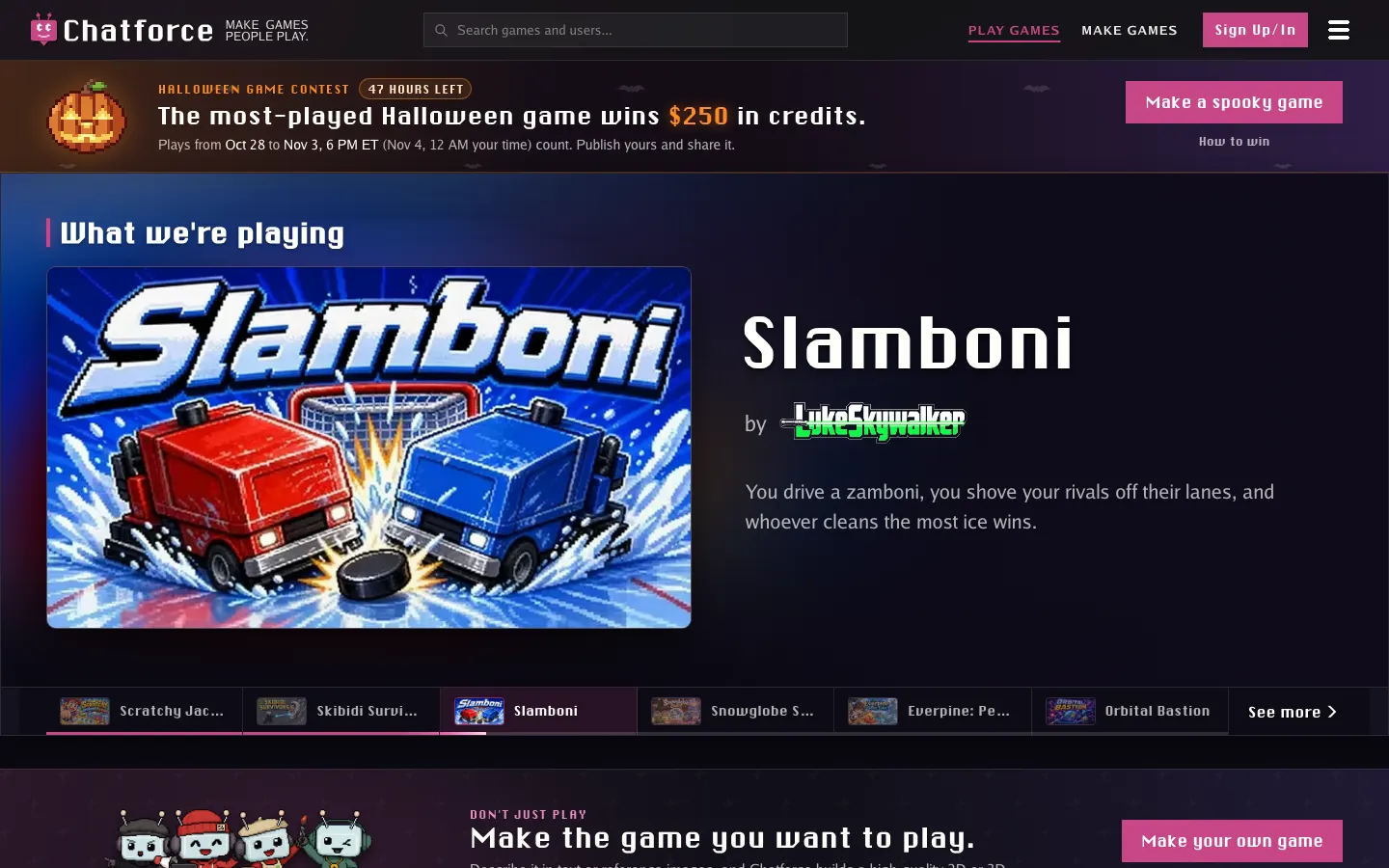
 Chatforcechatforce.com
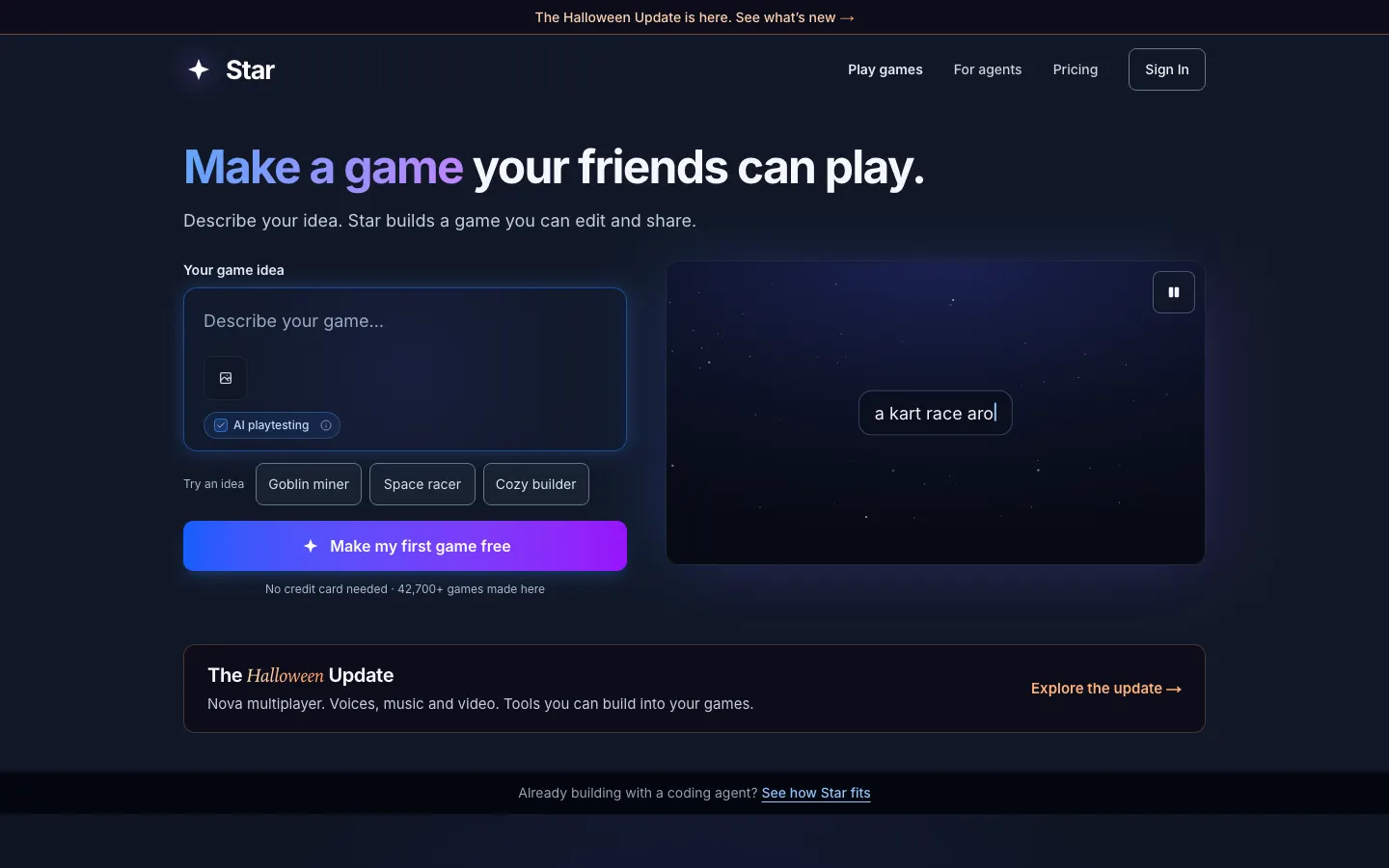
Star makes browser games for desktop and phone, and its "Make it multiplayer" option spins up hosted rooms that keep running after the host leaves, plus hosted leaderboards (Star). It's also open about export: its FAQ says you can export code and assets at any time, to itch.io, a Windows .exe or your own files.
Building on Star is free on Claude Haiku 5.5 (credit amount not stated), Creator is $20 for 3,000 credits, and Pro at $50 adds clean exports without Star branding (Star pricing). Top-up credits never expire. Star doesn't say which engine it uses or whether it makes 3D.
Chatforce says it builds a first playable version in about 10 to 15 minutes, which you then edit through chat, a level editor and a variables tab (Chatforce). Multiplayer for up to 8 players works in 2D and 3D, games run in desktop and phone browsers and its Android app, and games can sell in-game items.
Chatforce plans start at $19.99 for 1,800 chips, and a free Creator Program gives 2,000 welcome chips plus 1,200 a day. Chatforce doesn't say whether you can export the source, and it's a small company: a Toronto startup founded in 2024 with 1 to 10 employees (University of Toronto).
PlayDrop and Meta's Horizon tools also advertise multiplayer; see the list further down.
Best for a Godot project in a desktop editor: Summer Engine
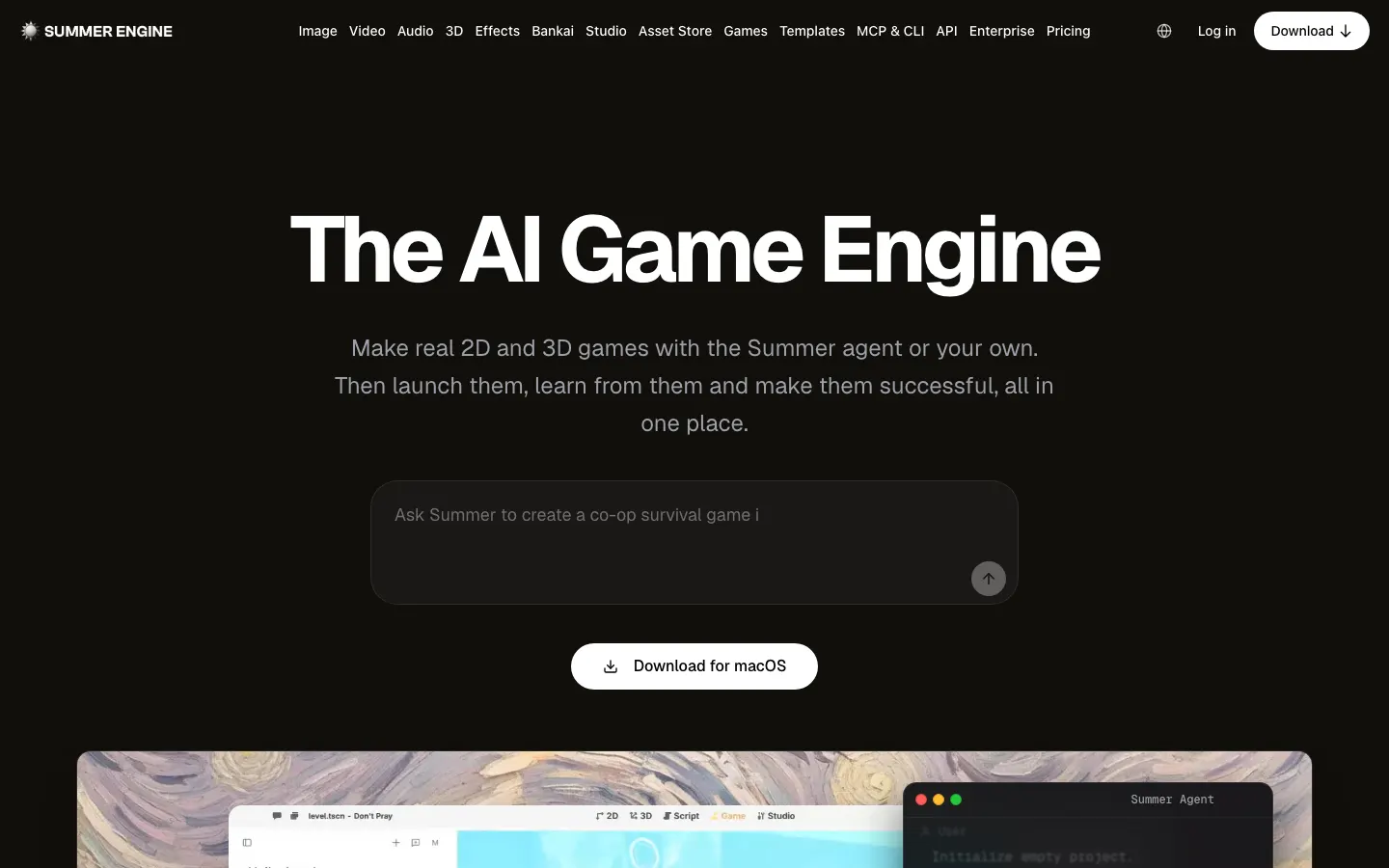
 Summer Enginesummerengine.com
Summer Engine is the closest tool to Oryn, and for some people the better one. It's a desktop editor "compatible with Godot 4" with AI built in, your project files live on your own machine, and there are no engine royalties (Summer Engine). It also has open-source CLI and MCP tools, and connecting over MCP is free.
The free app includes 5 AI messages a day (up to 30 a month) plus manual editing and export. Pro costs $20, Pro+ $60 and Ultra $200 (Summer pricing). The product page lists Windows and macOS exports, and the docs add HTML5 and iOS, with iOS needing a Mac and an Apple Developer account (Summer docs).
Pick Summer if you're happy to install a desktop app and work in the editor yourself. Its free tier keeps going, while Oryn's builds one game. The trade is that you work inside a full engine editor, which is great if you want to learn Godot and a lot to take in if you don't. If you're still deciding on Godot itself, look at the games made with Godot.
Best for a project you finish in Unity: SEELE AI
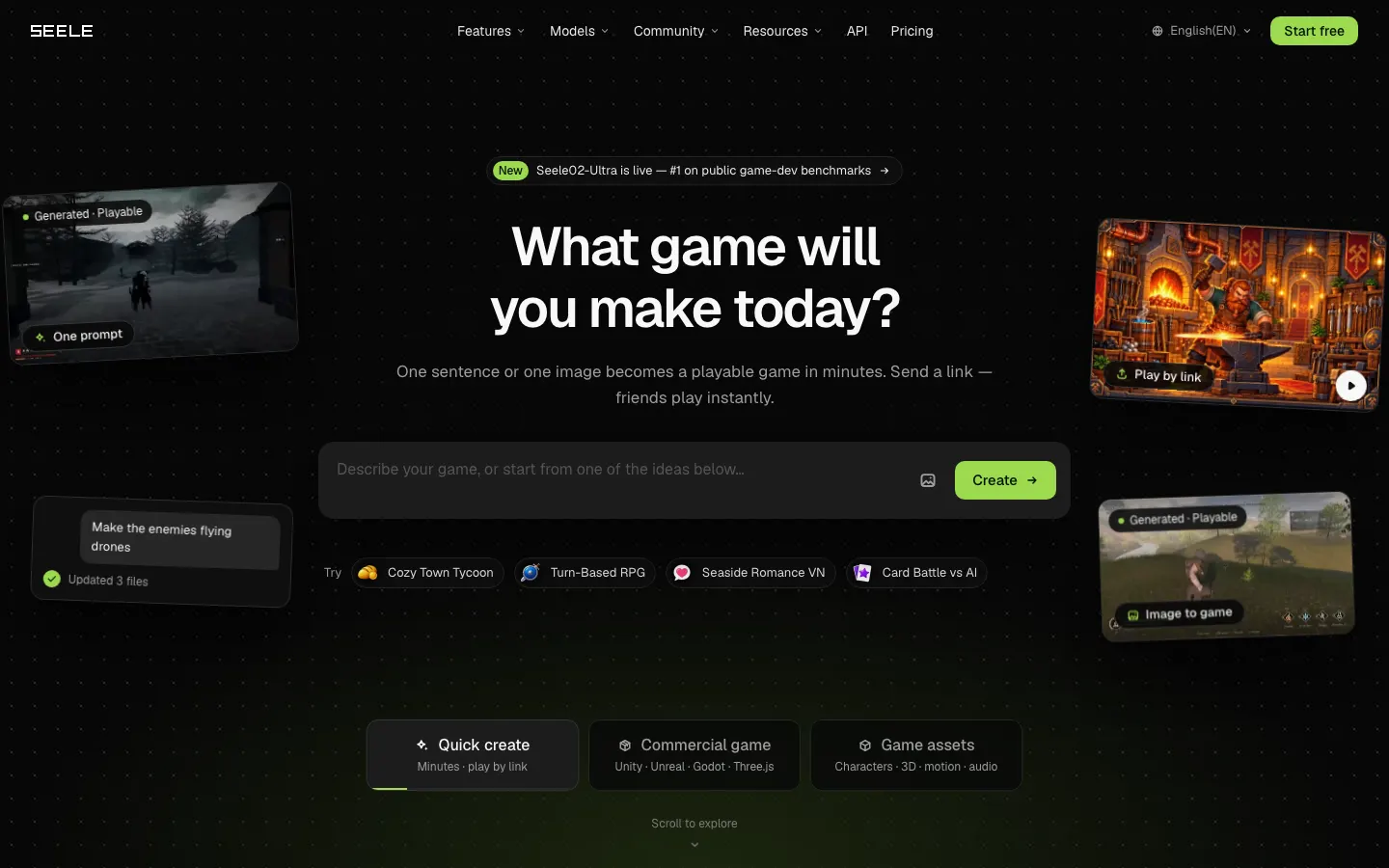
 SEELEseeles.ai
SEELE turns prompts into standard Unity packages with C# scripts that open in Unity 6, or into browser-playable 3D on Three.js, and exports 3D assets as FBX, glTF and OBJ (SEELE). That makes it the pick if you want to start from a prompt and finish in Unity. Unity export requires a paid plan and commercial rights need Pro or above, but SEELE doesn't show prices on its upgrade page.
Its homepage also mentions Unreal and Godot, while another of its FAQs says its browser 3D isn't a native Unreal project, so we wouldn't count on those. For the engine choice itself, see Godot vs Unity.
Best if you already work in Unity or Unreal: Unity AI and Bezi

If you already have a Unity project, an assistant inside it beats any generator. Unity AI includes a project-aware assistant that can carry out editor actions, generators, a gateway for bringing your own agent, and an MCP server and CLI for Unity 6 and later (Unity). The CLI, MCP server and plugin are free; the assistant is included in Unity Pro, Enterprise and Industry, and Personal users get a trial that converts to $10 a month. Some roundups still call it Unity Muse, but Unity now sells it as Unity AI, and it doesn't claim to make whole games.
Unity's prompt-to-game tool, Spark, was announced in October 2026 and has a waitlist (Unity Spark). Projects move into a new web-based editor, games will be distributed through Google Playground, and Unity's CEO said Spark isn't about "one-shotting" (PocketGamer.biz). No prices or platforms are published yet.
Bezi is an assistant for Unity and Unreal Engine that works inside your project: a 100-credit trial, then Pro at $20 for 800 credits, Advanced at $60 and Ultimate at $180 (Bezi pricing). Like Unity AI, it assumes you know your engine. The same idea exists for Godot through MCP servers, covered in our Godot MCP guide.
Best for developers who want a codebase: Replit Agent

Replit Agent is a general app builder whose game page pitches 2D platformers, endless runners and strategy games that run in the browser with no engine install, plus a phone app for building and testing and real-time collaboration (Replit). It names no engine and makes no 3D or export claims. Core costs $20 a month ($18 billed yearly) and Pro $100 (Replit pricing). Pick it if you think in code and want a general-purpose project; skip it if you want game tools like a level editor or an asset pipeline.
Best for art and audio, not whole games: Ludo.ai
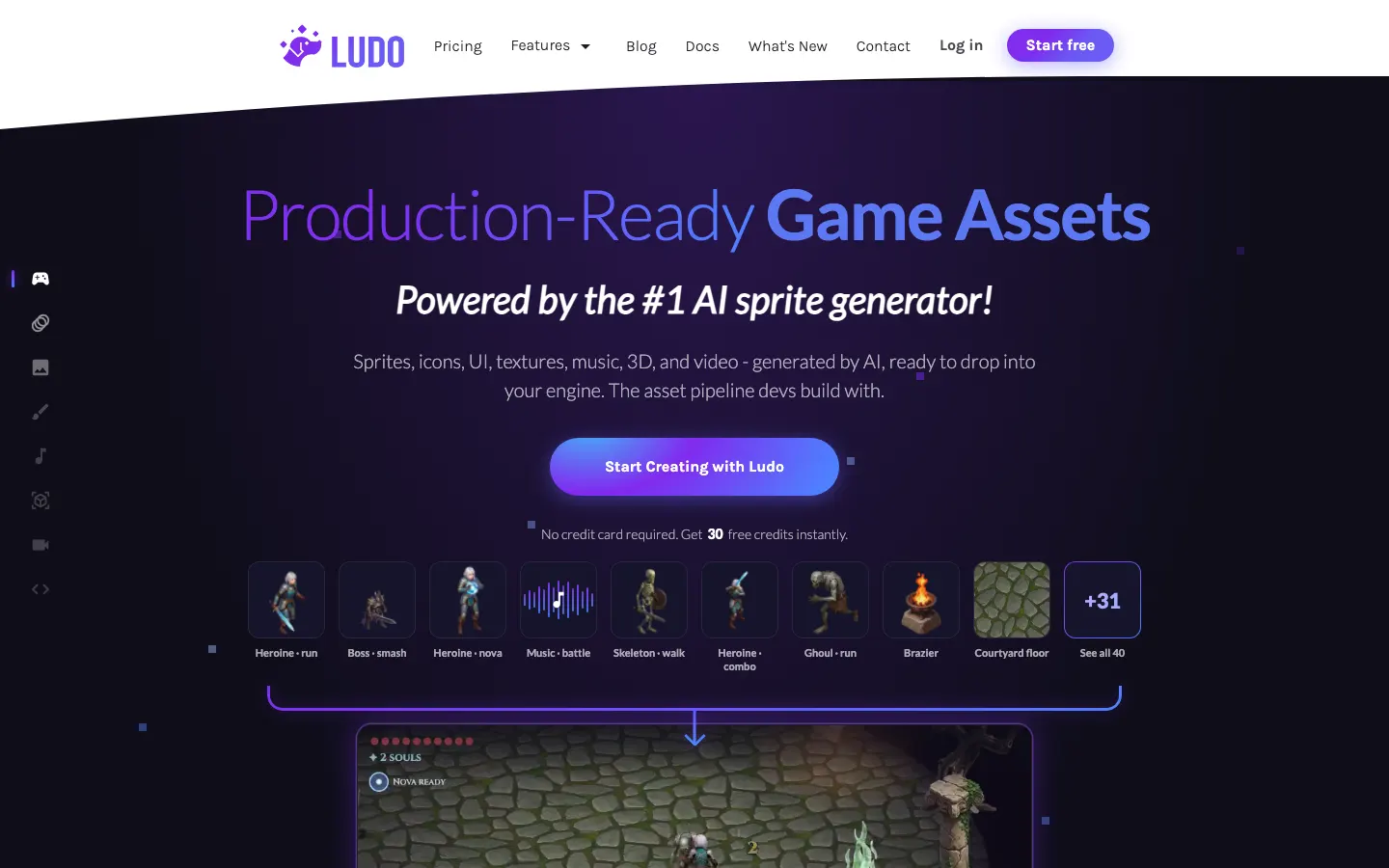
 Ludo.ailudo.ai
Ludo.ai doesn't make games; it makes sprites, icons, UI, textures, music, 3D models and video meant to drop into your engine (Ludo). Billed yearly, Indie is $180 a year ($15 a month, 3,000 credits), Pro $420 ($35 a month, adds API, MCP and CLI access) and Studio $3,600 (Ludo pricing). Monthly prices aren't shown. Use it alongside any tool above when the art is the weak spot.
Other AI game makers worth knowing
- PlayDrop makes 2D or 3D browser games for solo or multiplayer play and publishes them as one shareable link, using models from OpenAI, Anthropic, Google and xAI depending on plan and region (PlayDrop). You need a free account and credits to create. Prices aren't published and code export isn't mentioned.
- Makko is a 2D browser game studio with separate code and art workspaces. Its free plan gives a 150 art budget a month and 70 chat requests a week, its pricing page says you keep full ownership for personal or commercial use with no revenue share, and its FAQ says you can export everything (Makko). Paid prices didn't load when we checked.
- Meta Horizon Create and Horizon Studio, announced around September 24, 2026, generate games with progression, difficulty, art direction and multiplayer, and publish across Facebook, Instagram and Horizon (PocketGamer.biz). There's a waitlist, and monetization hasn't been disclosed.
- Luddi and Gameer also turn up in searches. Their official pages say little about export or ownership, so we left them out of the table.
AI game makers compared
The full table, as each tool's own pages stated it on November 1, 2026. "Cheapest paid plan" is per month in US dollars.
| Tool | What you get out | Free tier | Cheapest paid plan | Best for |
|---|---|---|---|---|
| Rosebud AI | Three.js web game on a hosted link; code download on Pro | 8,000 credits a week, non-commercial | $15 | Quick browser prototypes |
| Astrocade | Hosted browser games in a feed | Free to create and play | Not published | Reaching players |
| Google Playground | Hosted browser games; ZIP export reported | Free, US adults only, rolling out | Not published | Free casual games in the US |
| Roblox Assistant and Build | Roblox games, published only on Roblox | Base level free | Not published | Roblox audiences |
| GDevelop | Open-source engine project; web, Android, desktop | 40 AI credits a month | Not shown | Owning your game for free |
| Star | Hosted games; export to itch.io, .exe or files | Free building, amount not stated | $20 | Hosted multiplayer rooms |
| Chatforce | Browser and Android games | 2,000 chips plus 1,200 a day | $19.99 | Multiplayer for up to 8 |
| PlayDrop | Browser games on one link | Free account, credits | Not published | Sharing a link |
| Summer Engine | Godot 4-compatible project on your disk | 5 AI messages a day | $20 | Godot in a desktop editor |
| SEELE AI | Unity package (C#) or Three.js web build | Free credits | Not published | Prompt to Unity |
| Oryn | Godot project and web build; desktop, Android, iOS and Steam exports | Plan 3 games, build 1 | In euros, see pricing | Plan first, no code |
| Unity AI | Assistant inside your Unity project | Trial; CLI and MCP free | $10 (Personal) | Unity developers |
| Unity Spark | Unity-powered web editor | Waitlist | Not published | Not open yet |
| Bezi | Assistant inside Unity or Unreal | 100-credit trial | $20 | Unity and Unreal users |
| Replit Agent | General web app | Not shown on pricing page | $20 | Coders |
| Makko | 2D browser games, full export | 150 art budget a month, 70 chats a week | Not shown | 2D games with consistent art |
| Meta Horizon Create | Games on Facebook, Instagram and Horizon | Waitlist | Not published | Social-feed games |
| Ludo.ai | Art, audio, 3D and video assets | Trial, terms not shown | $15, billed yearly | Assets for any engine |
| Genie, Muse | Generated video frames, no project | Limited demos | n/a | Research, not games |
How much does an AI game maker cost?
Most entry plans cost $15 to $20 a month as of November 2026: Rosebud $15, Chatforce $19.99, and Summer Engine, Star, Bezi and Replit $20. Unity's in-editor assistant is $10 for Personal users after the trial. Higher tiers mostly run from $30 to $200.
Watch where export sits. Rosebud's code download and Star's unbranded export come with the $50 plans, and SEELE's Unity export needs a paid plan. Summer Engine includes export in its free app, GDevelop publishes to the web, Android and desktop on every plan, and Oryn doesn't tie export to a plan.
Oryn's paid plans are priced in euros and start above that $15 to $20 band. The current numbers are on Oryn's pricing page.
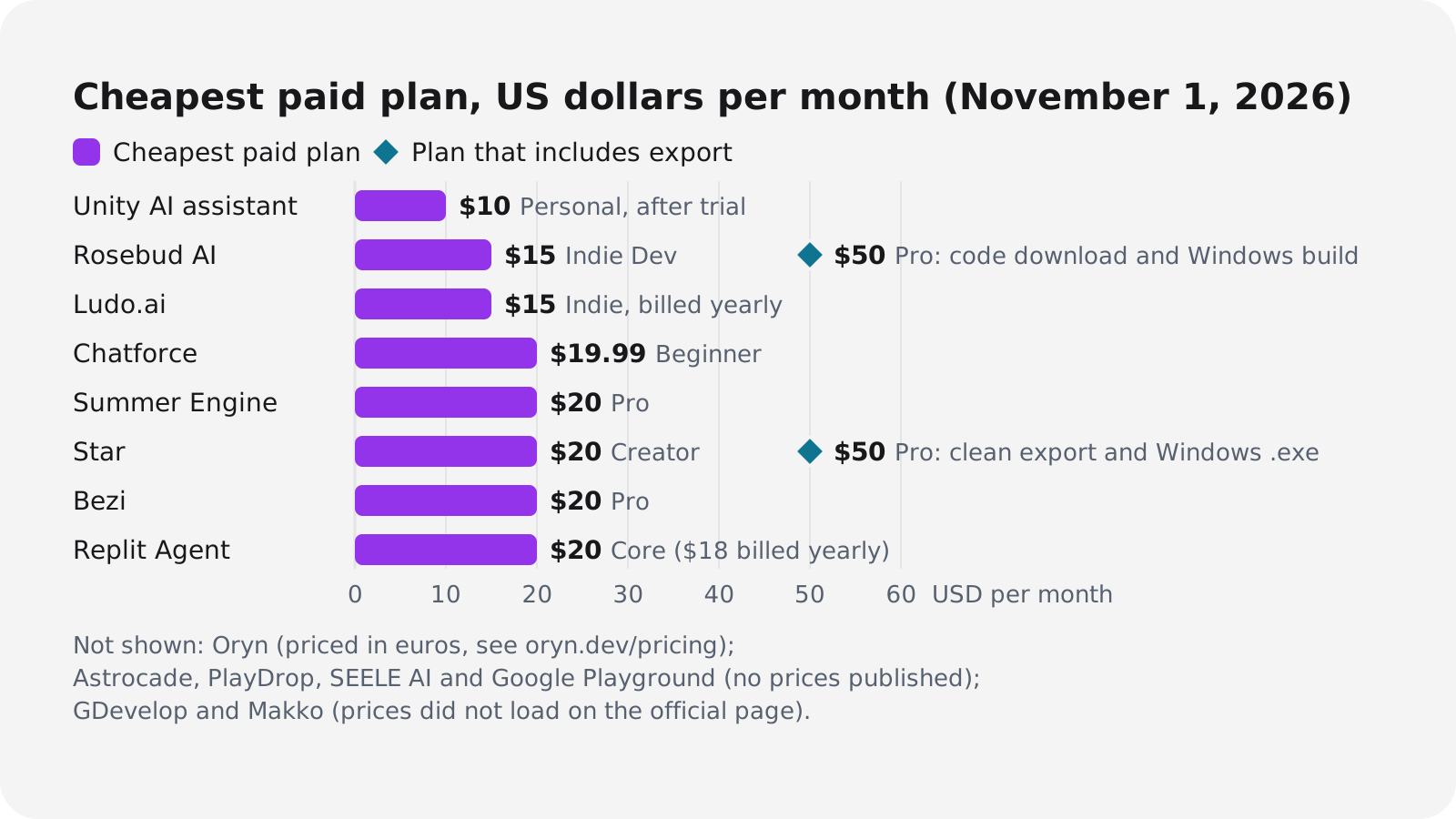
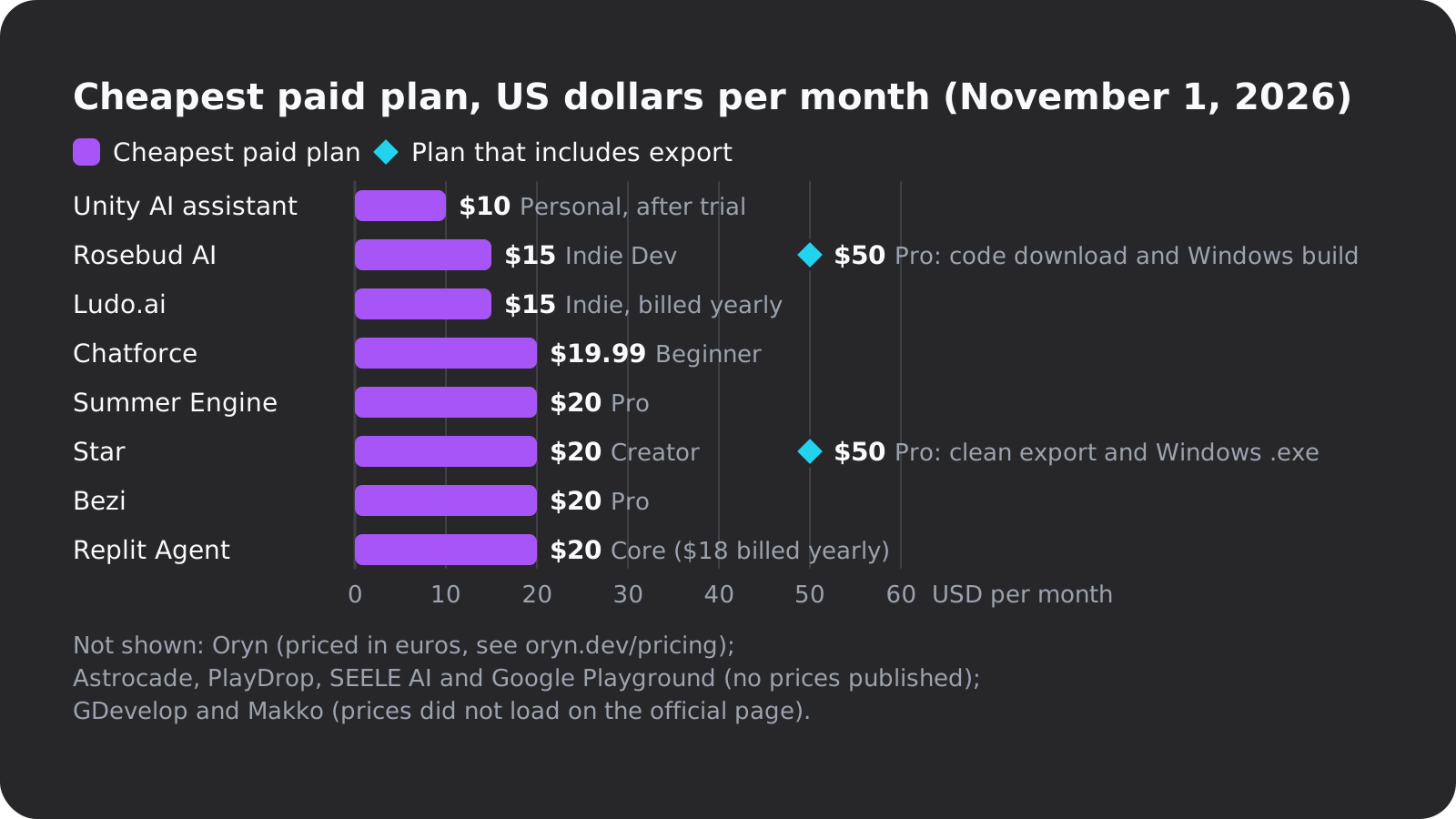
Every tool here meters AI work in credits, chips or messages, and none says how many changes a dollar buys. What you can compare is how the credits behave:
| Tool | What you pay in | How it behaves |
|---|---|---|
| Rosebud AI | Credits | Unused monthly credits roll over once |
| Star | Credits | Top-up credits never expire |
| Chatforce | Chips | Packs from $6.99 for 500 chips |
| Summer Engine | AI messages and credits | Used credits are non-refundable |
| GDevelop | AI credits | 40 a month free; paid plans refill weekly |
| Oryn | Credits | Plan credits reset monthly; failed runs cost nothing; bought packs never expire |
The best free AI game makers
Almost every tool has a free tier, but each caps something different. Here's what you get free as of November 2026:
Free · 40 AI credits a month
GDevelop
- Open-source MIT engine, 2D and 3D
- Publishes to web, Android and desktop with daily limits
- 3 cloud projects, 2 days of version history
Free · US, 18+
 Google Playground
- Free to play; creation rolling out gradually
- Weekly limits not published
- ZIP export reported but unconfirmed
Free app · 5 AI messages a day
Summer Engine
- Up to 30 AI messages a month
- Manual editing and export included
- Desktop install, files on your machine
Free · 8,000 credits a week
Rosebud AI
- Free hosting and remixing
- Personal, non-commercial use only
- Rosebud owns prompt-generated content
Free · 2,000 chips plus 1,200 a day
Chatforce
- Through its Creator Program
- Multiplayer for up to 8 players
- Source export not stated
Free building
Star
- Credit amount not stated
- Hosted multiplayer rooms
- Clean exports need the $50 plan
Oryn's free plan is narrower. You can plan up to three games, each with a full design document, reference images, a cover and a logo, and the first one is built free with its own art and soundtrack. Changing that game afterwards, or building another, needs a paid plan. If you want to keep making games without paying, most of the tools above give you more.
Ownership and commercial rights compared
Most comparisons skip this, and it varies more than price does. Three questions matter: who owns the output, whether you can sell what you make on your plan, and whether you can get the files out. This is what each tool's pages said on November 1, 2026:
| Tool | Who owns the output | Selling on the free tier | Getting the files out |
|---|---|---|---|
| Rosebud AI | Rosebud, for prompt-generated material | No, personal use only | Code editing from $15, download from $50 |
| SEELE AI | Not stated | No, commercial rights from Pro | Unity export on paid plans |
| Star | Not stated | Not stated | Code and assets any time; clean export on $50 |
| Makko | You, full ownership | Commercial use allowed, plan not specified | Export everything, per its FAQ |
| Summer Engine | Files live on your machine | Not stated | Export included free |
| GDevelop | Not stated; engine is MIT | Not stated | Web, Android, desktop on all plans |
| Roblox | Not checked | n/a | Published only on Roblox |
| Astrocade | Not stated | Not stated | Not stated |
| Google Playground | Not stated | Not stated | ZIP download reported, unconfirmed |
| Oryn | You, as between you and Oryn | Allowed; check asset licences | Full Godot project as a .zip, any plan |
Rosebud's terms are the strictest we read. Besides owning prompt-generated content, they give Rosebud a perpetual, irrevocable, worldwide, royalty-free and sublicensable licence to the content you add. To be fair to Rosebud, its pages also say paid creators keep 100% of their earnings, and its terms let you use content made on paid plans commercially. Being allowed to sell a game and owning it are different things, though, and the terms are clear about which one you get.
Oryn's terms (section 8, as of November 2026) go the other way: as between you and Oryn, everything generated for your project is yours, and Oryn assigns you whatever rights in it Oryn holds. Publishing on Oryn gives Oryn a non-exclusive licence to host and list the game, transfers no ownership, and leaves you free to sell it anywhere else.
The same terms add two caveats. Purely AI-generated material usually isn't protected by copyright under current German and EU case law, so there may be no exclusive right to hand over, and Oryn doesn't warrant that output is free of third-party rights. The first point is about the law, not about Oryn, so keep it in mind whichever tool you use. Oryn also marks some of the models it uses for 3D, music and voice as needing a commercial-use check, and every Oryn game ships a CREDITS.md file listing the engine and the asset sources.
Engines and asset packs carry their own licences too. Godot is MIT-licensed, and its licence notice has to ship with every export.
Can AI make a full game from one prompt?
No, and the companies building these tools say so. Roblox calls Build's output a "basic game" to iterate on, Gizmodo found most Playground games were simple mini-games (matching, tower defense, puzzles, bare-bones dungeon crawlers), and Unity's CEO framed Spark as not about one-shotting. Oryn's own terms say AI output varies between runs and needs review and testing.
One prompt gets you a playable starting point. The real work is in the follow-ups: controls that feel wrong, difficulty that spikes, art that doesn't match. Posts on r/aigamedev this year describe the same pattern, with one prompt for a prototype and two rewrites to get to production (subreddit mirror; we could only read it secondhand, so treat it as anecdote).
Two things help more than a better tool: a smaller idea and a written plan. Pick one mechanic you can describe in a sentence, and write down the core loop, the controls and what done looks like before you prompt. Our guide to writing a game design document covers the plan, and how to make a video game covers the rest.
World models like Genie and Muse are not game makers
Google's Genie and Microsoft's Muse turn up in a lot of AI game coverage. They're world models: they generate the next frames of video in response to your input, and there's no game project, code or file behind them.
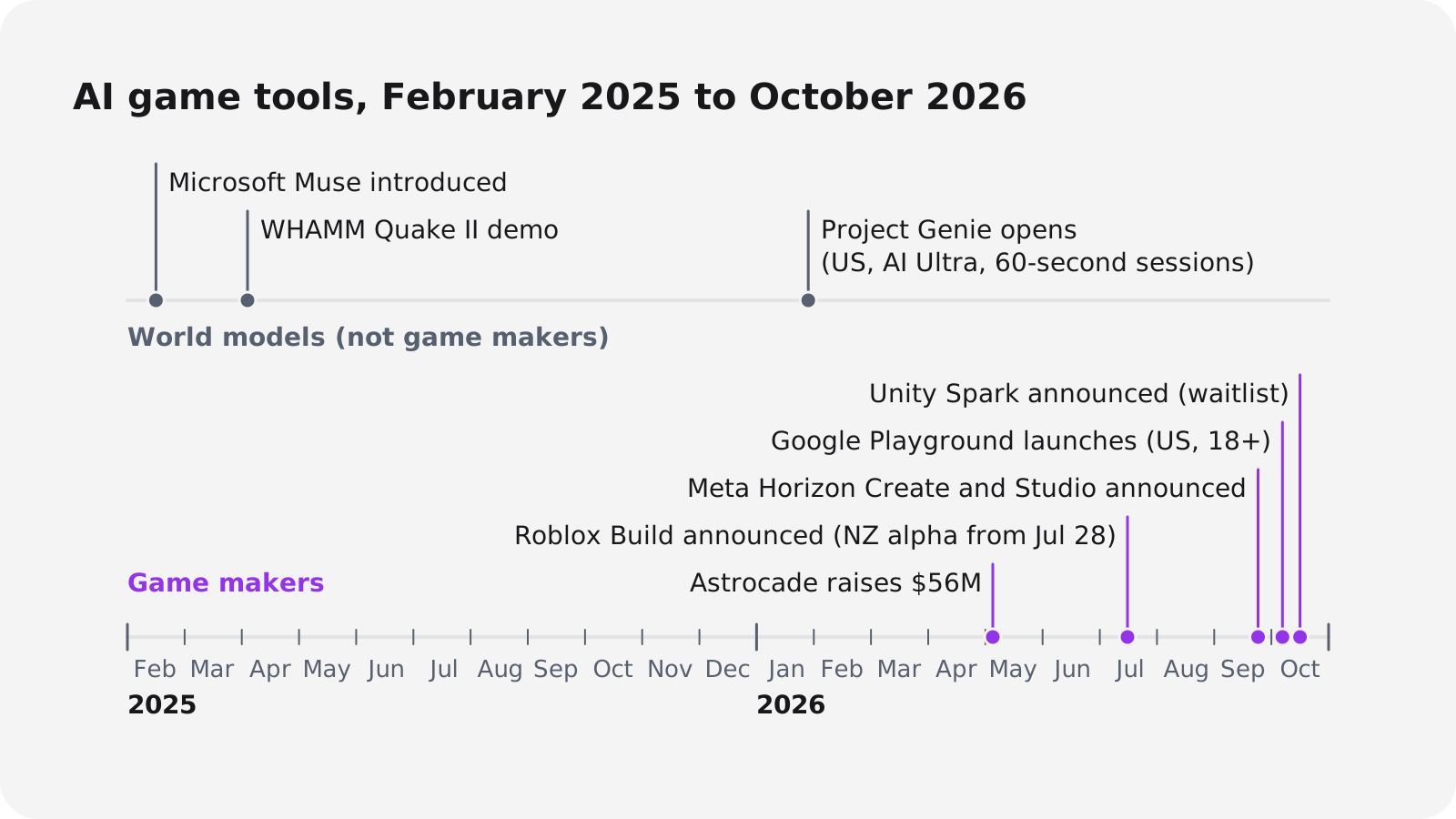
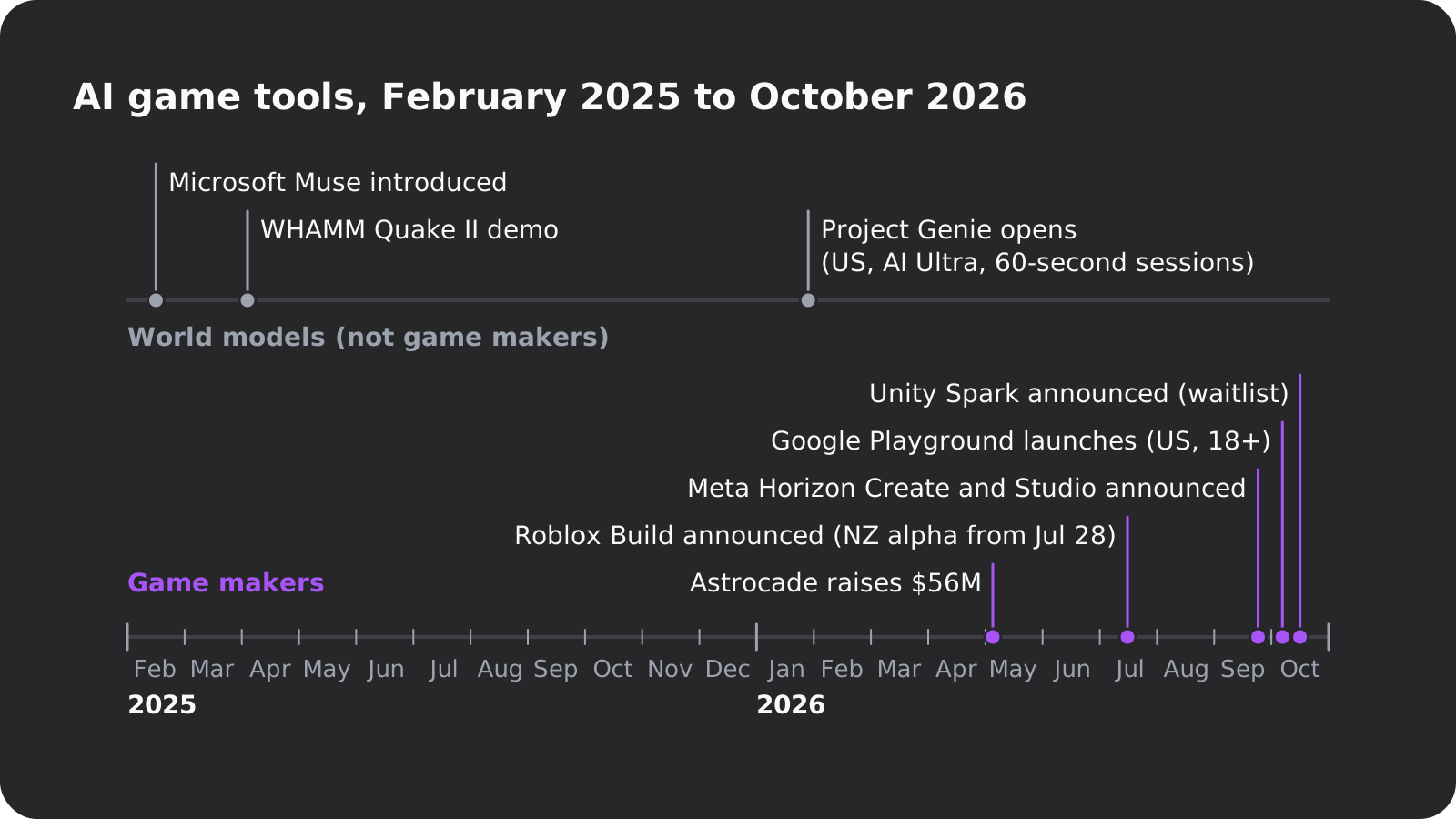
- Project Genie opened to US Google AI Ultra subscribers aged 18 and over around January 29, 2026, with sessions capped at 60 seconds (YourStory). DeepMind's page now describes Genie 4 as a research preview that holds a few minutes of interaction, warns that visual details and object permanence can drift, and says nothing about producing game code (Google DeepMind).
- Microsoft Muse, introduced in February 2025, is a model of gameplay trained on more than a billion images and controller actions from the game Bleeding Edge, and Microsoft calls it early-stage (Microsoft Research). Microsoft's WHAMM Quake II demo in April 2025 showed AI-generated frames with no game engine behind them, at a low frame rate, with noticeable lag and time-limited sessions (Tom's Hardware).
They're interesting research. You can't ship, sell or open them in an editor, so they don't belong on a list of game makers.
How to choose: a buyer's checklist
Run through these before you spend money, or a month of evenings, on any tool:
- What do you get out? A hosted link, a ZIP of web files, or an engine project that opens in Godot or Unity.
- Which plan includes export? Rosebud and Star put it on their $50 plans. Summer Engine and Oryn include it on every plan, and GDevelop publishes to web, Android and desktop for free.
- Who owns the output? Read the ownership and data clauses in the terms, not the marketing page.
- Can you sell it on your plan? Rosebud's free tier is non-commercial, and SEELE needs Pro for commercial rights.
- What does a change cost? Check how credits roll over or expire, then measure one change yourself.
- Can you undo a bad change? GDevelop's free plan keeps 2 days of version history, Replit Pro has a 28-day database rollback, and Oryn keeps every working version.
- Which platforms? Phone browser, Android, iOS, Windows, macOS, Steam. Check whether the tool builds them or only hands you a project, and read up on making a mobile game if phones are the target.
- Do you need multiplayer? Star and Chatforce host it; most others don't mention it.
- Where do the assets come from? Generated, a curated library or an asset store. Each looks different and carries different terms.
- Audience or ownership? A platform audience (Roblox, Astrocade, Meta) or a project you can publish anywhere.
- Can you use it at all? Playground is US-only and 18+, Roblox Build is in a New Zealand alpha, Unity Spark and Meta's tools have waitlists, and Oryn requires users to be 18+.
- Who's behind it? A $56 million raise (Astrocade) and a team of 1 to 10 (Chatforce) are both worth knowing before you commit a year of work.
Test a tool before you pay
Write one small brief
Describe one mechanic in two or three sentences, including the controls, and use the same brief in every tool so the results compare. Our guide to writing a game brief shows what to include.
Run it in two free tiers
Pick tools from different groups, such as one hosted platform and one engine-backed builder. Note how long the first playable version takes.
Ask for two changes
Ask for one gameplay change and one visual change, one per message. Count the messages it takes until both work without breaking anything else.
Watch the credit balance
Note the balance before and after each change. That's your real price per edit, which no pricing page tells you.
Get the files out
Download or export the game and open it where the tool says it opens: Godot, Unity or a plain browser. If you can't, you've learned the most important thing about that tool.
Read the terms for your plan
Find the ownership clause, the commercial-use rule for your tier and the data-use clause. Do it before you put a weekend into the game, not after.
Here's a brief small enough for any free tier:
Paste it into two tools from different groups tonight, ask for the two changes, and keep the one whose export you can open.
Frequently asked questions
What is the best AI game maker?
It depends on what you want at the end. As of November 2026, Oryn gives you a whole Godot game with its own art and soundtrack included, Rosebud has the most mature browser workflow for quick prototypes, Astrocade and Roblox have the biggest audiences, Star and Chatforce lead on multiplayer, and Summer Engine and SEELE give you a desktop or Unity project.
Is there a free AI game maker?
Yes, with caps. GDevelop's free plan gives 40 AI credits a month and publishes to the web, Android and desktop, Summer Engine's free app gives 5 AI messages a day, Rosebud's free plan gives 8,000 credits a week for non-commercial use, and Google Playground is free for US adults.
What is a good Rosebud AI alternative?
For a browser maker with easier export, Star lets you export code and assets at any time, and Makko says you keep full ownership and can export everything. For a real engine project instead of a hosted web game, look at Summer Engine or Oryn for Godot, or SEELE for Unity.
Can AI make a whole game from one prompt?
It can make a playable starting point, not a finished game. Roblox describes Build's output as a basic game to iterate on, and Gizmodo found most Google Playground games were simple mini-games.
Can I export and sell a game made with an AI game maker?
Usually, but check your plan. Rosebud's free tier is non-commercial and its code download comes with the $50 Pro plan, SEELE needs a paid plan for Unity export and Pro for commercial rights, and Oryn allows commercial use and exports the full Godot project on any plan.
Which AI game makers can make 3D games?
Rosebud (Three.js), SEELE (Unity or Three.js), Summer Engine (Godot), Chatforce, PlayDrop, Roblox and Oryn all make 3D games. For what changes when you move from 2D to 3D, see our guide on how to make a 3D game.
Are Genie and Muse AI game makers?
No. They're world models that generate interactive video frames for seconds to minutes, and they produce no game project or code you can edit, ship or sell.